What your firm must review
Use this page when you need to know whether Torrens has prepared work or whether your firm has approved it.
Before you start
Section titled “Before you start”Know the difference between preparation and approval.
| If Torrens shows | Treat it as |
|---|---|
| Drafted | Prepared for review |
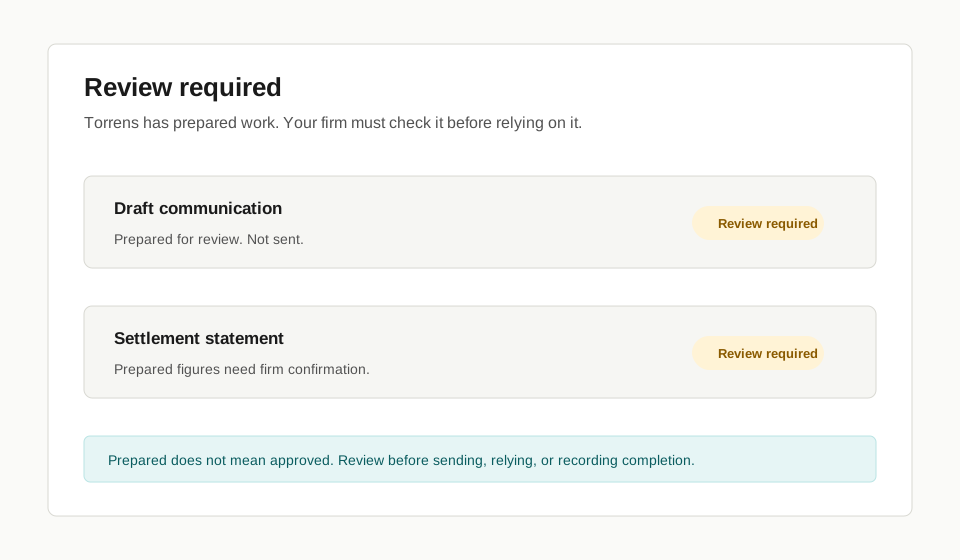
| Review required | Not yet approved |
| Waiting | Dependent on another person, system, or external confirmation |
| Ready | Ready to be checked or acted on under your firm’s process |
| Complete | Recorded as complete in Torrens under the task’s approved rule |
- Open the task, document, communication, undertaking, or settlement item.
- Check whether Torrens has prepared, drafted, routed, tracked, or recorded the work.
- Check who must review or approve it.
- Approve or record completion only when the correct person has checked it.
Check before you continue
Section titled “Check before you continue”- Drafted does not mean approved.
- Prepared does not mean confirmed.
- Tracked does not mean complete.
- Complete does not mean every external banking, Landonline, tax, trust-accounting, counterparty, provider, or legal step is complete unless that fact is separately recorded from the required source.
- Review required means your firm must check the work before relying on it.
What happens next
Section titled “What happens next”Once reviewed, the work can move forward according to the Transaction workflow and your firm’s process.
Limits
Section titled “Limits”These docs explain product use. They do not tell your firm how to discharge its professional obligations in every deal-specific situation.